The software for your Korean-style photobooth business

Studio Photuna is the all-in-one photo booth business software for operators — set up events, design templates, run the guest booth flow, print, and share photos by QR, all from one Windows app you run on hardware you already own.

Download Now

14-day free trial · No credit card required · Cancel anytime

Why photo booth operators choose Studio Photuna

Running a Korean-style photobooth business usually means stitching together a booking spreadsheet, a separate template design tool, and a clunky kiosk build. Studio Photuna replaces all of it with one photo booth business software you install on a Windows PC — so you spend less time managing tools and more time booked on events.

Built for operators, not developers

No coding, no custom kiosk hardware. Plug in a DSLR and a dye-sub printer, and you're ready to run your first session.

One subscription, the whole workflow

Event setup, template design, guest flow, printing, and reporting all live inside a single Pro plan.

A guest experience worth reposting

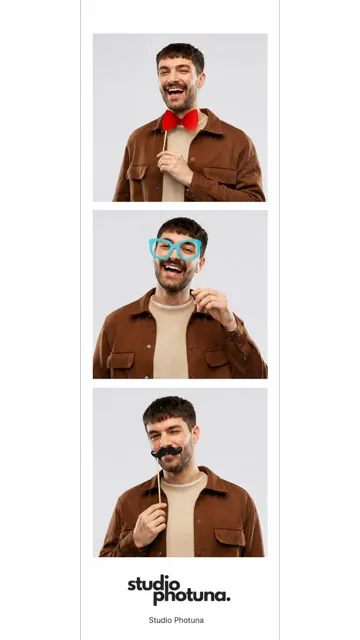
Branded welcome screens, tone presets, and instant QR delivery make every strip feel premium.

Interactive Client Screens

Frictionless workflow for guests & admins

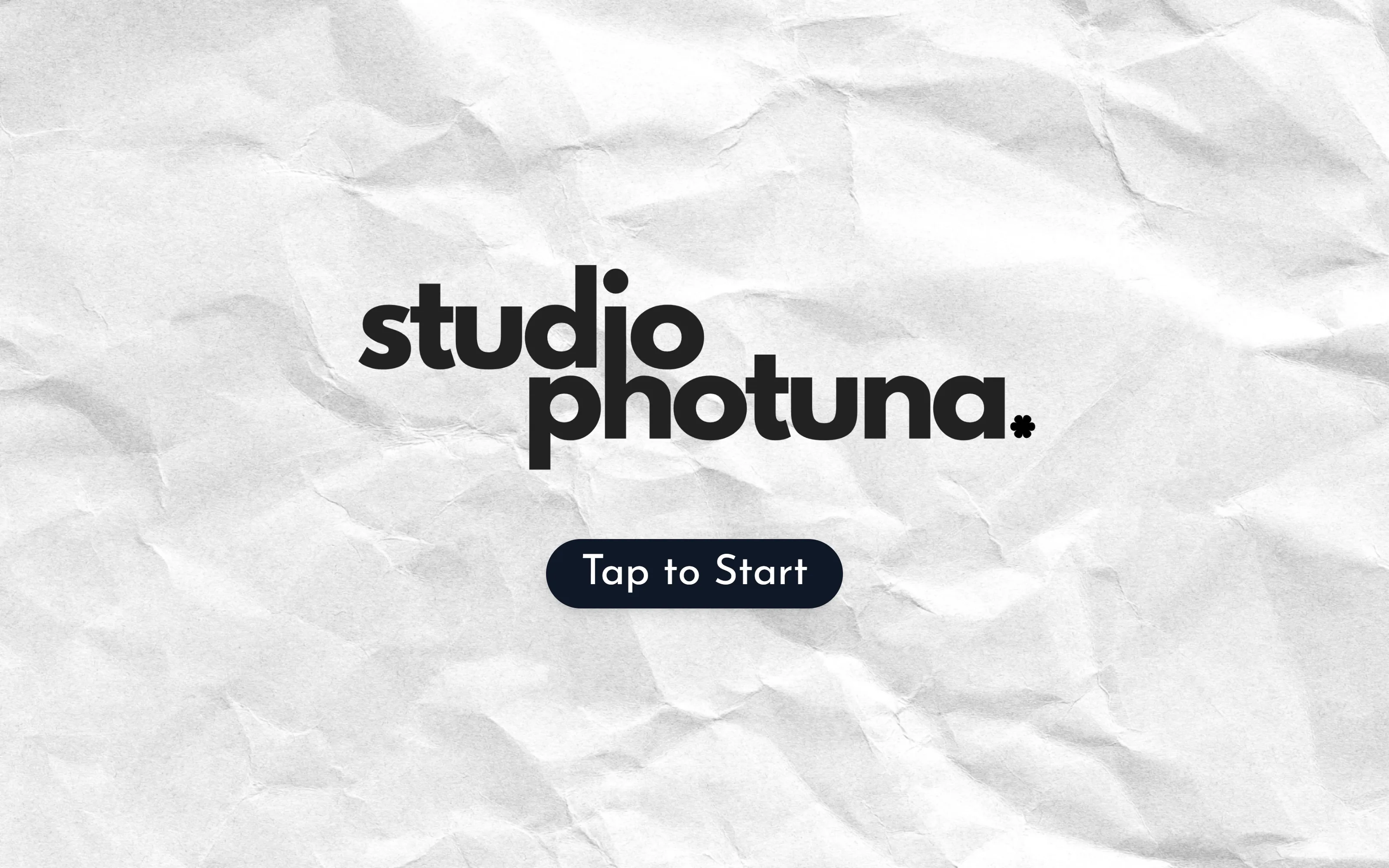
From a branded "Tap to Start" trigger to a printed strip and QR gallery hand-off — every guest screen is timed, on-brand, and built to reset itself for the next walk-up.

Branded Tap to Start welcome screen

1 Branded Welcome Trigger

A full-bleed, on-brand "Tap to Start" lobby screen invites guests to launch a session with zero staff intervention.

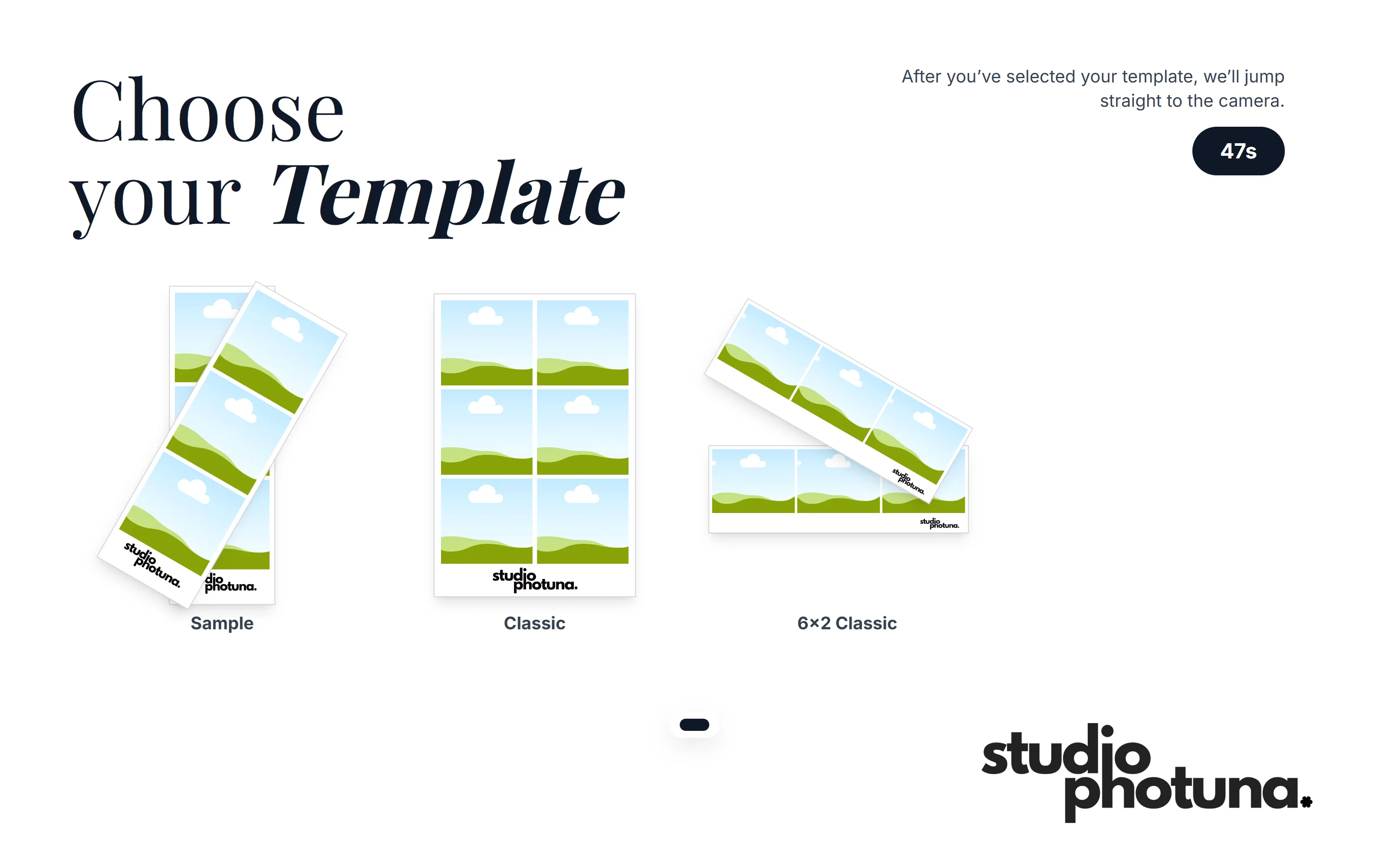
Choose your template screen with countdown

2 Template Selection

Guests pick a Sample, Classic, or 6×2 layout under a live countdown so the queue keeps moving.

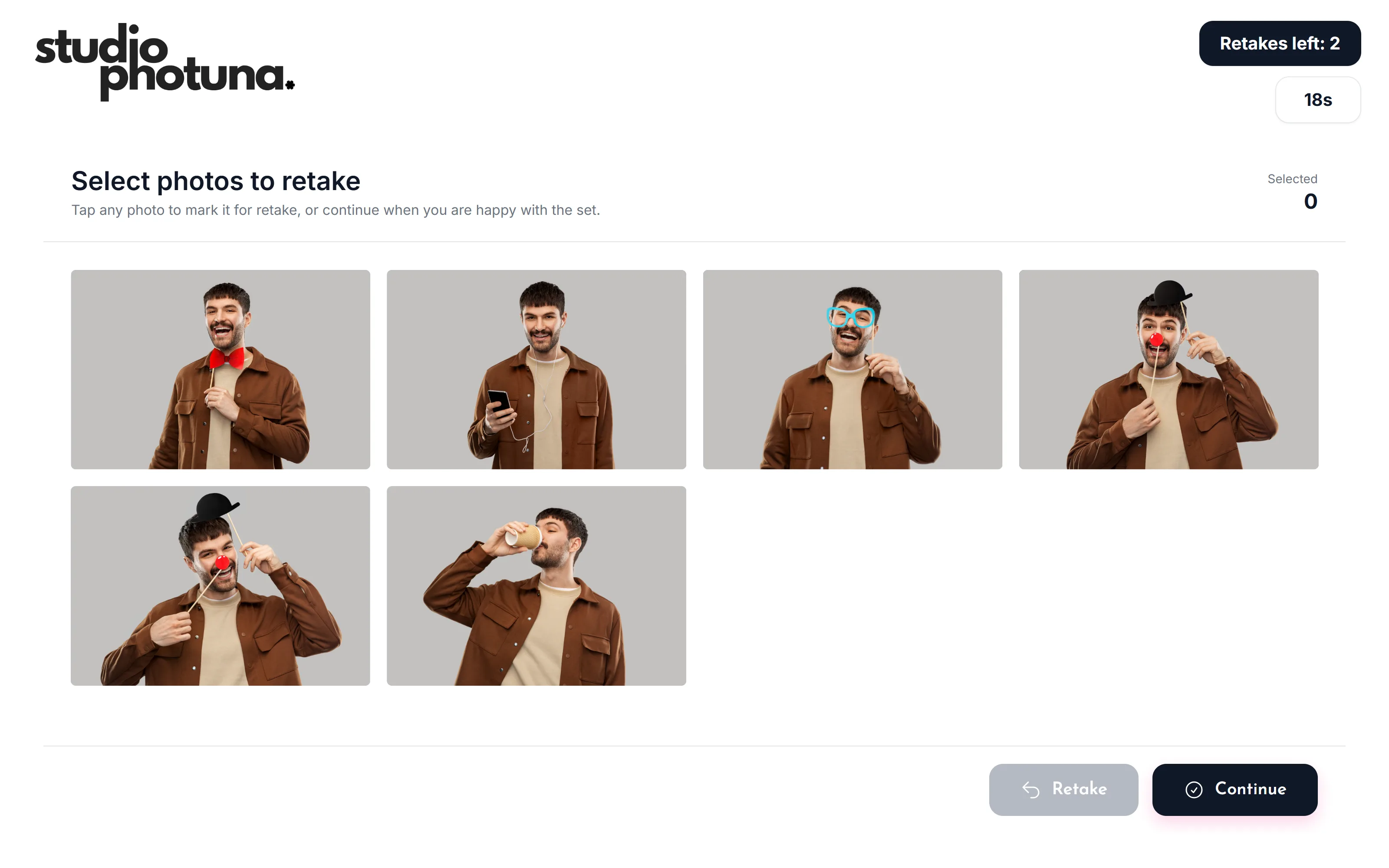
Select photos to retake review screen

3 Retake Review

Captured shots load instantly with a configurable retake allowance, so guests only redo the frames they want.

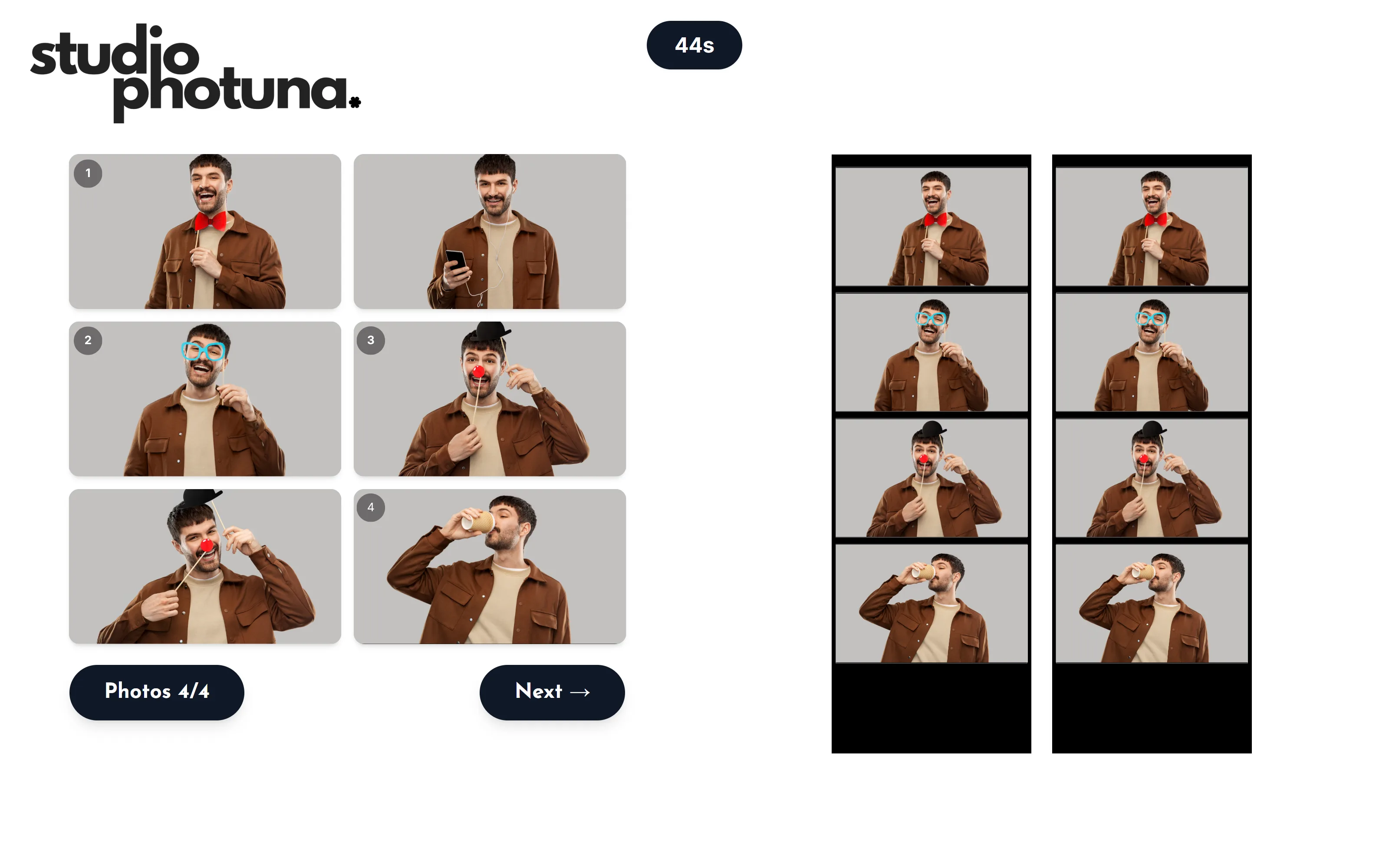
Strip assembly preview screen

4 Strip Assembly Preview

Approved photos are arranged live into the final strip layout side-by-side, exactly as it will print.

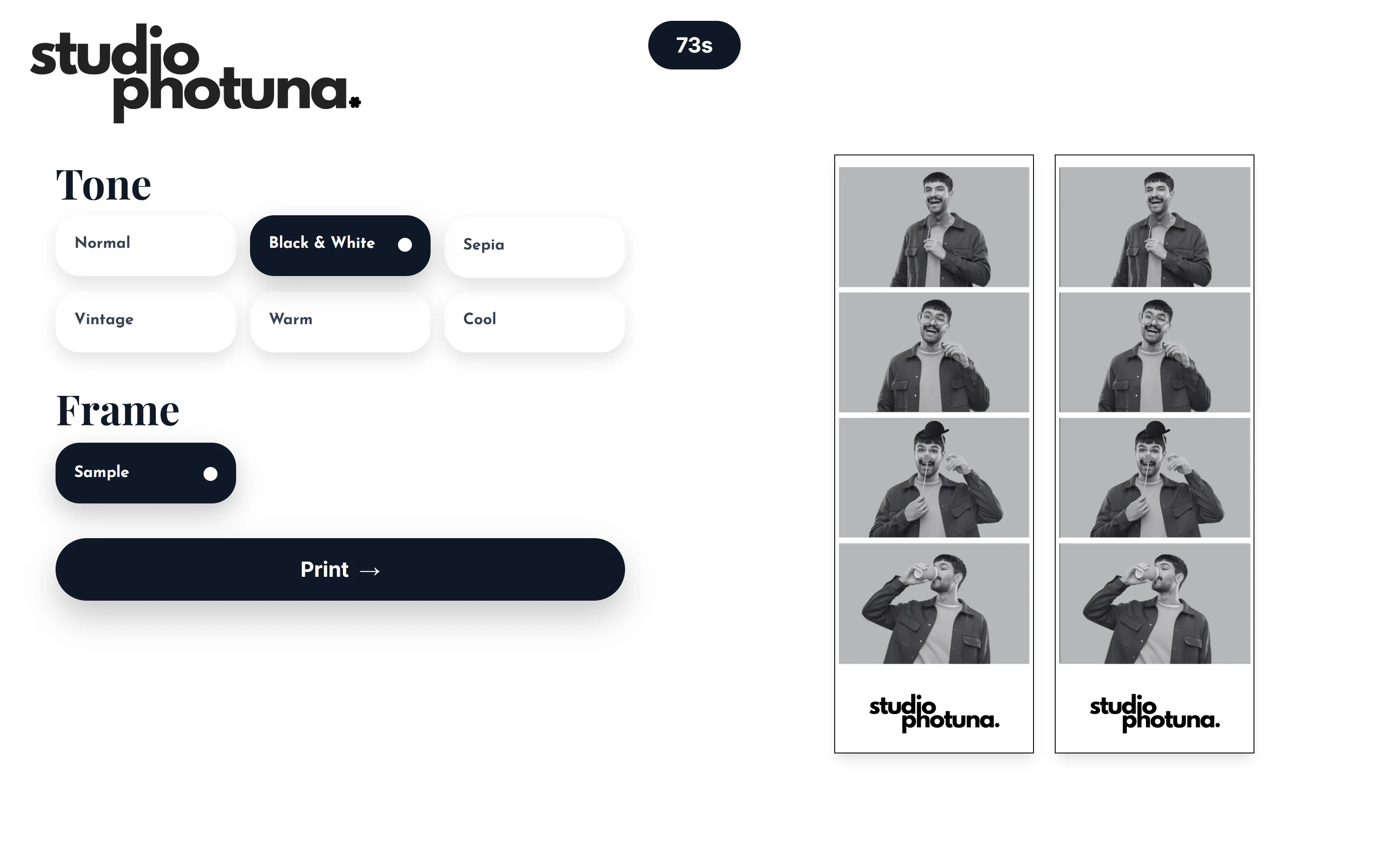
Tone and frame customization screen

5 Tone & Frame Studio

One-tap tone presets — Normal, B&W, Sepia, Vintage, Warm, Cool — plus frame styles update the live strip preview.

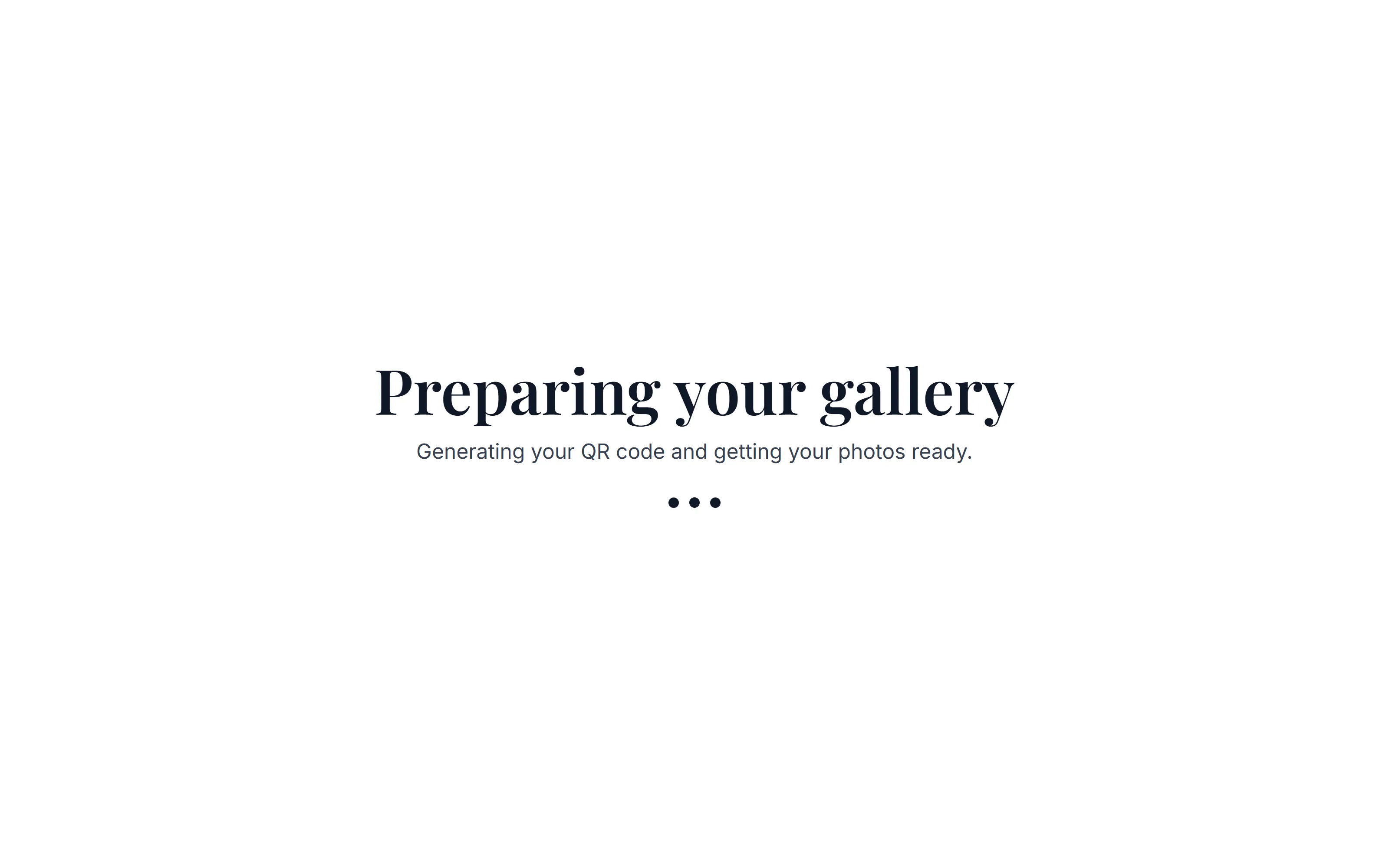
Preparing your gallery loading screen

6 Gallery Generation

While the strip prints, the system quietly generates the QR code and online gallery in the background.

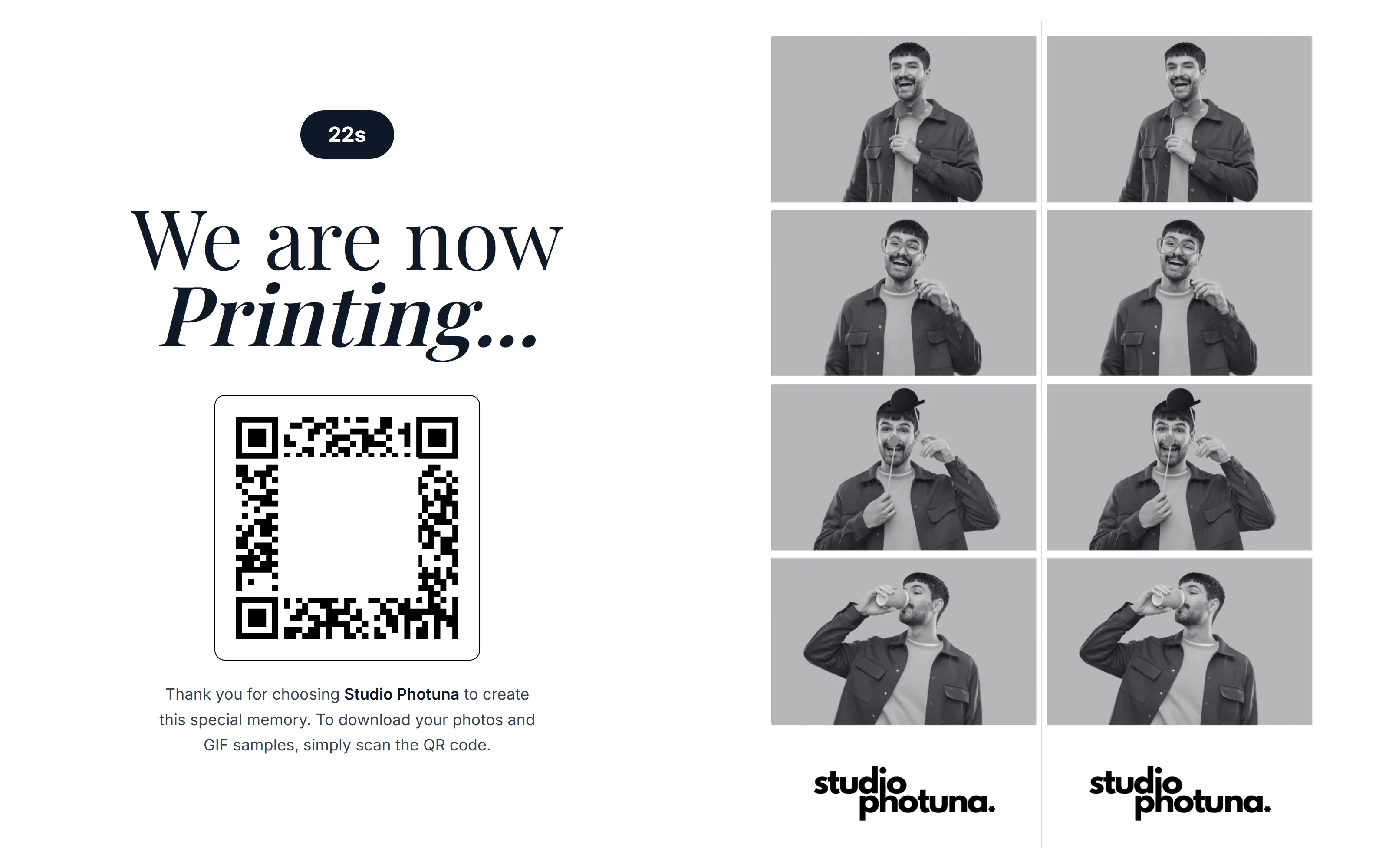
Now printing screen with QR code

7 Live Print + QR Hand-off

A scannable QR code appears immediately so guests can download photos and GIFs while the print finishes.

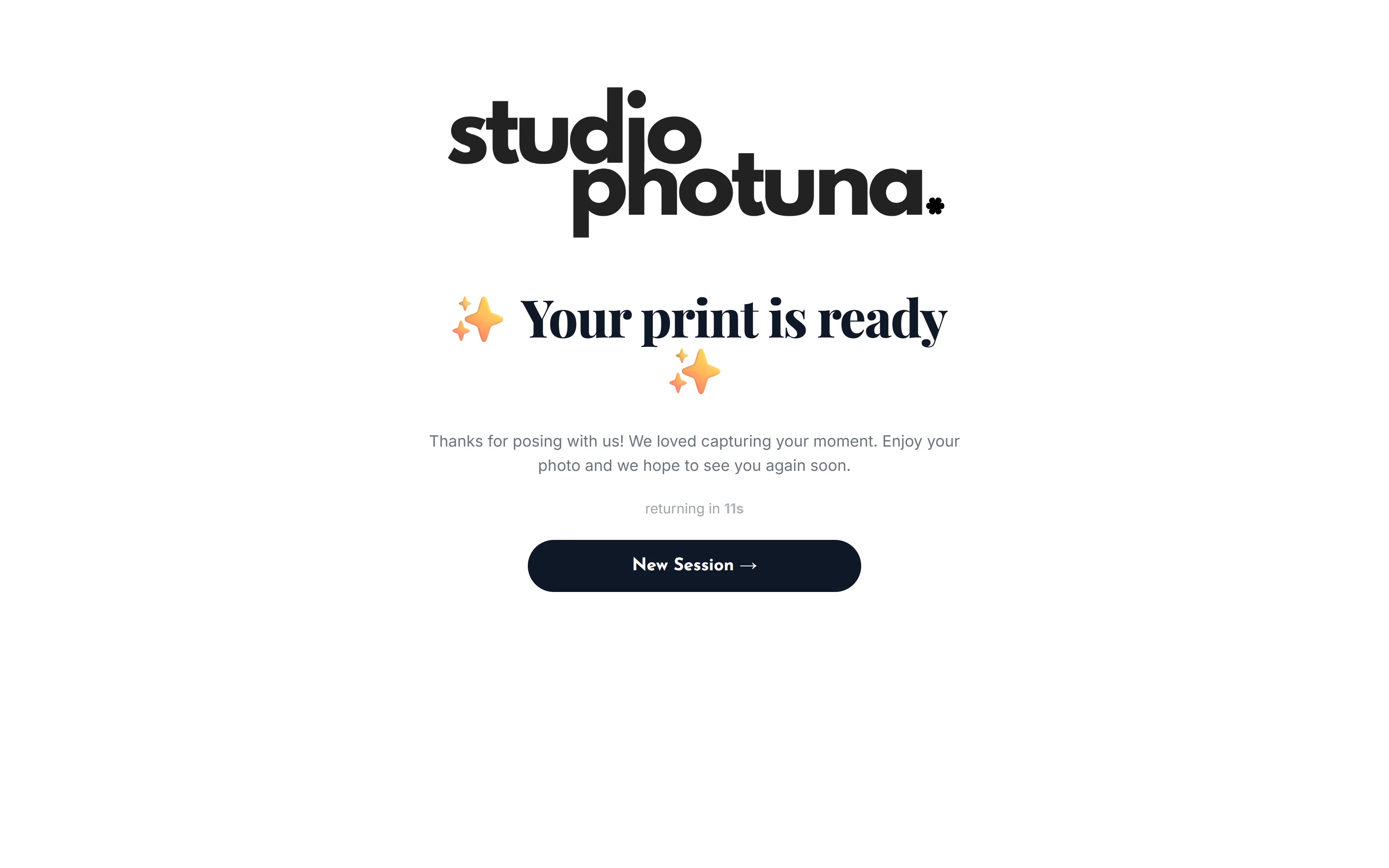
Print ready thank you screen with auto reset

8 Auto-Reset for Next Guest

A thank-you screen confirms the print is ready, then the kiosk resets itself for the next walk-up — no admin needed.

On-screen countdowns

Every step shows a live timer so sessions move on their own.

Configurable retake limits

Cap retakes per session to keep queues fair and fast.

Instant QR delivery

Photos and GIFs are ready to scan before the print even finishes.

Run every booking from one operator workspace

Set up the business side, event flow, guest experience, and delivery workflow in one practical Windows app.

Event workspace

Create a profile for every client event, map your layout, and organize booking details — no more juggling spreadsheets between gigs.

Template editor

Design custom photo strip layouts in 4x6, 6x4, 2x6, and 6x2 formats with a drag-and-drop camera placeholder editor.

Brand controls

Style welcome screens, logos, frames, and overlay borders so every event looks like it was custom-built for that client.

Guest flow console

Run the welcome lobby, template picker, payment terminal, capture counter, retake screen, and QR download — guests self-serve from tap to print.

Printer & outputs

Connect your DSLR and dye-sub printer once, then control margins, orientation, and copies per session.

Active analytics

Track session counts, live revenue, print sheets, and your most-booked templates in real time.

Set up the booth with equipment you already own

A Windows PC, a DSLR camera, a dye-sub printer, and an internet connection are all it takes to run a professional Korean-style photobooth workflow — no proprietary kiosk required.

  • Windows-based booth operation
  • Camera, printer, and local storage setup
  • Rental mode and payment flow controls
  • QR sharing and online gallery add-ons
Studio Photuna Live Setup welcome interface screen

Simple pricing for every stage of growth

Start with a free trial, then choose monthly flexibility or yearly savings on the plan built for full-time operators.

Trial

14-Day Free Trial

₱0

Test every operator workspace feature before committing to plans.

  • Custom template mapping
  • Local printer integration
  • Event dashboard configuration
Best Value

Studio Photuna Pro

₱950/mo

₱11,400 billed annually. Enjoy a 47% savings compared with monthly cycles.

  • Best value choice
  • Every new feature, the moment it ships
  • Priority support — real answers, not a ticket queue

Trusted by photo booth operators running real events

See what booth operators and their guests are saying about running their business on Studio Photuna.

Frequently asked questions

Everything aspiring and active operators ask before subscribing.